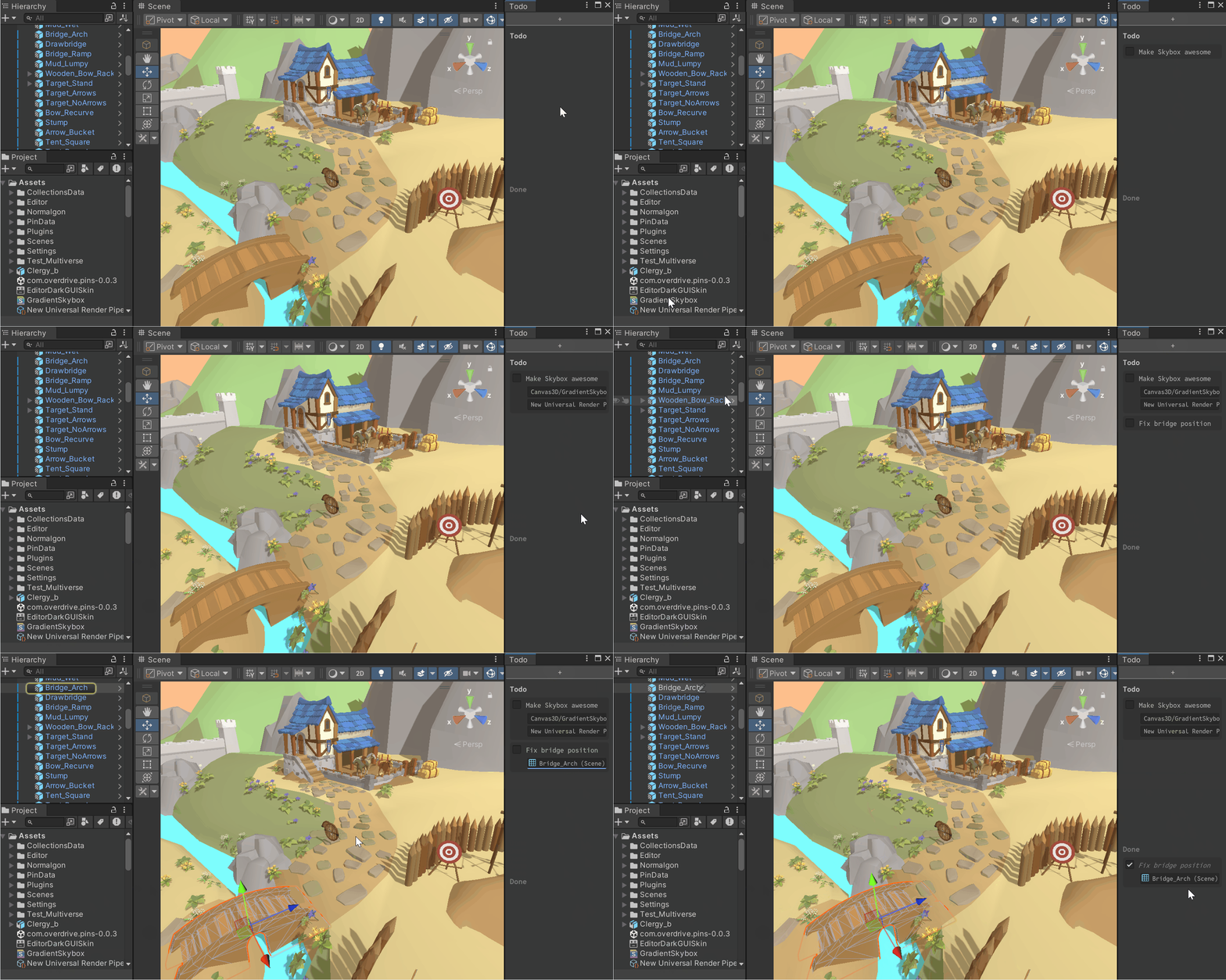

Todo
Too many ideas? Too many projects? Yeah, us too. Todo lets you instantly and directly save your lists, in the Unity project – with drag-drop of related assets or GameObjects! It’s a simple little tool, but already saving us so much time. Free download, enjoy!
Status: Release Candidate, Download Free
Join the Overdrive Discord to download, use it, keep it … maybe also share feedback, or help us spread the word? 🙇 Final version will be available for sale soon, here and on the Unity Asset Store.
How to Use
- Open the Todo window – currently under “Tools > Overdrive > Todo”
- Dock it anywhere!
- Click the “+” at the top to create a new Todo item – type in however much text you like
- Hit CTRL+Enter to confirm, or ESC to cancel
- Now you have a Todo item!
- Drag-drop Assets or GO to the item for quick reference, these can be clicked to select them
- Right-click for options like Rename and Remove
- Click the checkmark to move to done
- Don’t need to see “done” items? Toggle this in “Edit > Preferences”, choose Overdrive > Todo.
- Want to clear all the todos? Open “Edit > Project Settings”, choose Overdrive > Todo.
- Todos are stored in the package folder, so you can commit to source control if you like.